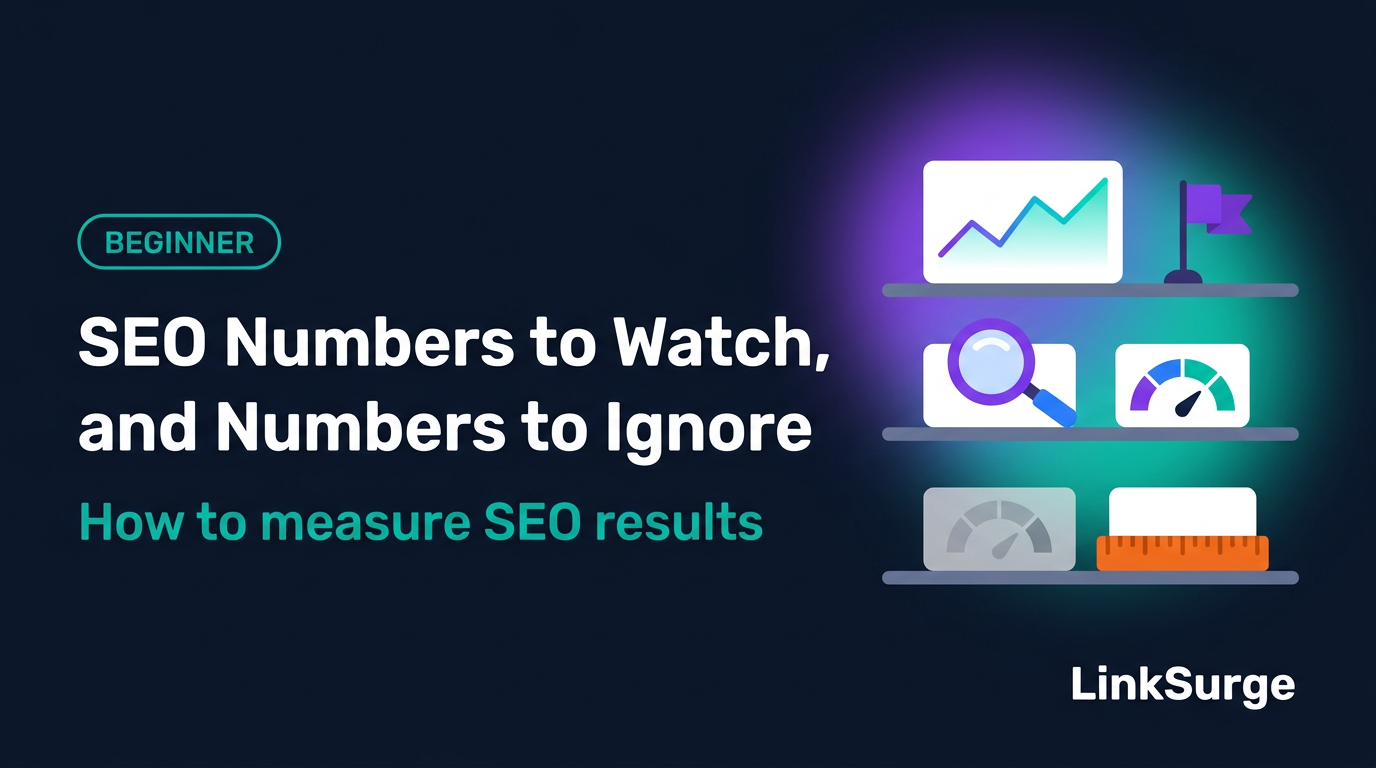
Which SEO Numbers to Watch, and Which to Ignore: Measuring Results in Search Console and Google Analytics
目次
Key Takeaways: Pick numbers from your goal, then sort them onto three shelves
Open Search Console and Google Analytics side by side and you're staring at dozens of numbers. After going through Google's help pages metric by metric, my main takeaway was simple: decide why you're looking before you decide what to look at. Here's the short version.
- Start with the goal — More leads, more readers, or more people who know your name? The most important number changes with the answer
- Watch the numbers for visibility and outcomes — Clicks and impressions in Search Console, plus organic search sessions and key events (actions you've marked as business results, like form submissions or purchases) in Google Analytics
- Use context-only numbers to diagnose, not to judge — Sitewide average position, CTR (click-through rate), engagement rate, and bounce rate help explain changes. On their own, they don't tell you whether SEO is working
- Some numbers you can ignore — Third-party authority scores, keyword density and word counts, site: search result counts, and day-to-day swings don't measure SEO results
- Compare like with like — Same length of period, same conditions: last month vs. this month, or this month vs. the same month last year
Let's break each of these down.
1. Why is it so hard to know which numbers matter?
Too many numbers, all of them "useful"
Search Console (Google's free tool for seeing how your site performs in Search) and Google Analytics (Google's free tool for measuring what visitors do on your site) both show plenty of metrics. Each one exists for a reason. That doesn't mean you need to track all of them every month.
Think of a medical checkup. The lab report lists dozens of values, but a doctor starts with the few that matter for you and uses the rest to explain what they see. SEO numbers work the same way.
Write the goal down first
Before you pick metrics, finish this sentence: "We want SEO to..."
| Goal | The number that matters most |
|---|---|
| Generate leads, sales, or sign-ups | Key events from organic search visitors |
| Get articles read | Clicks from Search, plus how engaged those visitors are |
| Build awareness of your brand | Impressions, and the trend in searches for your brand name |
Skip this step and you end up asking, "Impressions went up but leads didn't. Did SEO work?" Nobody can answer that without a goal.
2. Search Console and Google Analytics measure different places
Before the click vs. after the click
Google's own documentation splits the two tools like this.
| Search Console | Google Analytics | |
|---|---|---|
| Where it looks | Inside Google Search results, from the search to the click | On your site, after the visit starts |
| Typical metrics | Impressions, clicks, CTR, average position | Sessions, engagement rate, key events |
| Source of truth for | Search performance | On-site behavior |
I like to explain it with a storefront. Search Console counts the people who walked past your sign and the ones who came through the door. Analytics follows them inside and records what they looked at and bought.
The two tools won't match, and that's fine
Search Console clicks and Analytics sessions (a session is one visit to your site) never line up exactly. Google lists reasons such as pages missing the Analytics tag, users declining tracking, and time zone differences (Search Console always uses Pacific Time). It says small discrepancies can usually be ignored.
The counting rules themselves are covered in "Rankings, Impressions, and Clicks Are Not the Same Thing." This article picks up where that one left off: which of those numbers should you treat as results?
References: Using Search Console and Google Analytics data for SEO - Google Search Central About Analytics sessions - Analytics Help
3. Must-watch: visibility in Search and outcomes on your site
Here's the core. These are the numbers worth checking every month.
| Metric | Tool | What it tells you |
|---|---|---|
| Clicks | Search Console | How many times people came to your site from Google Search |
| Impressions | Search Console | How often your site appeared in results (your share of opportunities) |
| Organic search sessions | Google Analytics | How much of your site's traffic comes from search |
| Organic search key events | Google Analytics | How many search visitors completed an action that counts as a result |
| Page indexing status | Search Console | Whether your important pages are eligible to appear at all |
Break clicks and impressions down by page and query
Sitewide totals hide what's happening. The Performance report has tabs for Queries (the words people searched) and Pages. Check your important pages and terms individually.
Key events are results you define
A key event is Google Analytics' term for an event that measures an action particularly important to your business. Analytics used to call these "conversions."
You choose what counts: a contact form submission, a completed purchase, a download. If you haven't set any up, the events may still be collected, but they won't be counted as results (key events) in your reports. In my experience, this is the first thing worth checking when you inherit a site.
Google's documentation suggests filtering the Analytics landing page report (the page where each visit starts) to "google / organic." That shows how well each page serves search visitors and whether it contributes to engagement and conversions.
Page indexing is your health check
If a page isn't indexed, its Google Search impressions and clicks stay at zero (direct visits or visits from links on other sites can still show up in Analytics). Check the Page indexing report in Search Console at least monthly. "Your First Hour in Google Search Console" and "Why Isn't My Page on Google?" show you how.
References: Performance report (Search results) - Search Console Help Conversions vs. key events in Google Analytics - Analytics Help Using Search Console and Google Analytics data for SEO - Google Search Central
4. Context-only: clues for diagnosing changes
Next up are numbers you can look at, but shouldn't judge success by on their own.
| Metric | Tool | Why it's context-only |
|---|---|---|
| Sitewide average position | Search Console | When you start appearing for new terms at low positions, it gets worse even as you grow |
| CTR | Search Console | Swings with position, result layout, and query type, and there's no official benchmark |
| Rankings for priority keywords | Rank tracker | Moves daily, so read the trend, not a single value |
| Engagement rate and bounce rate | Google Analytics | Useful for reviewing content, but the "right" value depends on the page's job |
| Views | Google Analytics | A rough measure of reading volume, not of results |
| Impressions in AI features | Search Console | Shows visibility in AI Overviews and AI Mode, but not which queries triggered it |
Use position and CTR to find what moved
Average position only averages searches where you appeared. Start showing up for new terms and the sitewide number can drop while your site is actually growing. Search Console Help recommends watching changes over time, especially sudden ones, in addition to the absolute value.
Google doesn't publish a "good" CTR either. Compare a page or query against its own history instead.
Engagement rate and bounce rate are two sides of one coin
In Google Analytics, an engaged session is one that meets any of these:
- Lasts longer than 10 seconds
- Has a key event
- Has 2 or more page or screen views
Engagement rate is the share of sessions that were engaged. Bounce rate is the share that weren't. Add them together and you get 100%.
Here's the thing: a page that answers a quick question, like your opening hours, should let people leave fast. Trying to push bounce rate down across every page doesn't make much sense. Judge each page by what it's for.
Treat AI feature impressions as a Google Search number
Search Console's generative AI performance report shows how often your links appeared in AI Overviews and AI Mode, broken down by page. It doesn't show which queries triggered them. And it only covers Google's AI features, not ChatGPT or other non-Google tools. "How to Read Search Console's Generative AI Performance Report" walks through it.
References: What are impressions, position, and clicks? - Search Console Help GA4 Engagement rate and bounce rate - Analytics Help Generative AI performance report (Search) - Search Console Help
5. Ignore: numbers that don't measure SEO results
The last shelf holds numbers you don't need for judging results. What surprised me is how many of these Google addresses directly in its own guides.
Third-party authority scores
Many SEO tools rate a site's "strength" with their own score. That can be handy for comparing yourself to competitors, but it isn't Google's evaluation. Google's guidance notes that third-party SEO tools don't have access to Google's internal ranking data.
Keyword density and word count
"Use the keyword at 2%" or "write at least 2,000 words" aren't yardsticks for success. Google's Starter Guide says the length of content alone doesn't matter for ranking, and that there's no magical word count target, minimum or maximum. It also says repeating the same words over and over is tiring for readers, and that keyword stuffing is against Google's spam policies.
An "E-E-A-T score"
E-E-A-T (Experience, Expertise, Authoritativeness, Trustworthiness) is a useful idea, but Google's Starter Guide states that it isn't a ranking factor. There's no score to track. "What Is E-E-A-T?" explains the concept.
The count from a site: search
Type "site:yourdomain.com" into Google and you'll see a result count. Google's documentation says that list isn't comprehensive. Use Search Console to check indexing.
Day-to-day swings
Rankings and clicks move a little every day, and the most recent Search Console data is provisional. Judge by weeks and months, not single days. "Why Do Search Rankings Change Every Day?" explains the causes.
References: Do you need an SEO? - Google Search Central SEO Starter Guide - Google Search Central site: search operator - Google Search Central
6. Metric sets by goal
With the three shelves in place, here's how they combine for common goals. This is the structure I start from whenever I put together a monthly report.
| Goal | Check monthly (must-watch) | Check when something moves (context-only) |
|---|---|---|
| Leads and sales | Organic search key events, clicks to pages that drive results | Engagement rate on those pages, priority keyword rankings |
| Readership | Clicks and impressions for article pages, organic search sessions | CTR, average position by query, engagement rate |
| Brand awareness | Impressions, clicks and impressions for brand-name queries | AI feature impressions, CTR |
How to compare
- Same length of period — last month vs. this month, or this month vs. the same month last year
- Account for seasonality — holidays and slow seasons change how much people search
- Read numbers side by side — put impressions, clicks, and position in one table
Report what you did, not just what moved
When you report to a manager or a client, pair the numbers with what you actually did that month. Since nobody can promise rankings (see "Why Nobody Can Guarantee a #1 Ranking on Google"), a good report always links actions to measurements.
7. Common misunderstandings and mistakes
Myth 1: "Traffic went up, so SEO worked"
The extra visits might come from social media or ads. Filter Analytics to organic search. Google's documentation also suggests that if the organic share shifts but organic sessions and engagement don't change much, the cause is probably growth or decline in other channels.
Myth 2: "A high bounce rate means a bad page"
Pages that answer a question quickly should be one-page visits. Judging them by bounce rate alone can lead you to rewrite pages that were working fine.
Myth 3: "Raise the tool's score and rankings will follow"
Third-party scores aren't built on Google's internal data. Chasing the score as a goal tends to create work that doesn't help readers.
Mistake 1: Running for months without key events
Without a way to record results, no amount of traffic can tell you whether SEO paid off. Set up key events for the actions that matter, such as completed purchases or form submissions, before anything else.
Mistake 2: Reporting a different number every month
Impressions one month, clicks the next, rankings after that. Nobody can tell whether things improved. Pick your reporting metrics up front and stick with them.
8. How to check this on your own site
Try these three steps this month.
- Write your goal in one sentence — be specific, like "Increase demo requests for our scheduling software"
- Check key events in Google Analytics — make sure the actions that count as results are set up
- List 5 to 10 priority pages and keywords — every month, line up their clicks and impressions
When choosing priority keywords, it helps to know which terms you already rank for. LinkSurge's ranked keywords analysis lists them for any domain you enter.
To follow your priority keywords without the noise of manual searches, a tool like LinkSurge's rank tracker records them daily under the same conditions.
LinkSurge
linksurge.jp
SEO・AIO・GEO統合分析プラットフォーム。AI Overviews分析、SEO順位計測、GEO引用最適化など、生成AI時代のブランド露出を最大化するための分析ツールを提供しています。
Quick Check
Q1. What does each tool measure: Search Console and Google Analytics?
Answer: Search Console measures your visibility inside Google Search results, such as impressions and clicks. Google Analytics measures what happens after people arrive, such as sessions and key events.
Q2. Name one condition that makes a Google Analytics session "engaged."
Answer: It lasts longer than 10 seconds, has a key event, or has 2 or more page or screen views. Bounce rate is the share of sessions that meet none of these.
Q3. Is a third-party SEO tool's authority score the same as Google's evaluation?
Answer: No. Google's guidance notes that third-party SEO tools don't have access to Google's internal ranking data.
Frequently Asked Questions
Which metrics should I use to measure SEO results?
Pick them based on your goal. For most sites, the core set is Search Console clicks and impressions plus Google Analytics organic search sessions and key events. Average position and CTR are best used to diagnose why something changed.
Why don't Search Console and Google Analytics numbers match?
They count different things in different ways. Google cites reasons such as pages without the Analytics tag, users declining tracking, and time zone differences, and says small discrepancies can usually be ignored.
Is a lower bounce rate always better?
Not necessarily. In Google Analytics, bounce rate is the share of sessions that weren't engaged. Pages that answer a question quickly naturally end in one view, so judge bounce rate by each page's purpose.
How often should I check SEO metrics?
Monthly is the right rhythm for judging results, comparing equal periods. Daily numbers are noisy and partly provisional, so check them only when something big seems to change.
Conclusion: One goal, five numbers, and a shelf for the rest
More numbers don't mean more insight. Write your goal in one sentence, limit your monthly check to five numbers or fewer, and keep the rest on the shelf for when something moves. Deciding what you won't use to judge results matters just as much.
This article is part of the series' third set, "Common Mistakes and What to Do When Things Go Wrong." The previous article is "Why Nobody Can Guarantee a #1 Ranking on Google," and up next is "Keyword Research Basics for Beginners." For what to do when rankings fall, see "Rankings Dropped? What to Check First" The full reading order is in "SEO, GEO and AIO for Beginners," and the "SEO Glossary for Beginners" covers unfamiliar terms.
LinkSurge's rank tracker records your priority keywords and their AI Overviews citations under the same conditions every day.