What Are Google AI Overviews? The AI Answer at the Top of Search, Explained for Beginners
目次
Key Takeaways: AI Overviews Are AI Summaries With Links, Sitting Above the Results
You search for something on Google and, before the familiar list of links, there's a block of AI-written text. That's an AI Overview. After reading through Google's official documentation and help pages, here's what a beginner actually needs to know.
- An AI Overview is an AI summary plus supporting links — Google calls it an "AI-generated snapshot with key information and links to dig deeper." It launched for all US users in May 2024 and has since expanded to many more countries and languages
- Most searches don't show one — Google only shows AI Overviews when its systems decide they add something beyond the classic results. Google itself says they "often don't trigger"
- There's no special optimization for AI Overviews — Google says there are no additional requirements to appear. Your page needs to be indexed and eligible to show in Search with a snippet
- You can check whether you're showing up — Search Console's Generative AI performance report shows how often links to your pages appeared in AI Overviews and AI Mode
Let's walk through what they look like, how they're built, and what they mean for your site.
1. What Is an AI Overview?
The short version: a research note pinned above the results
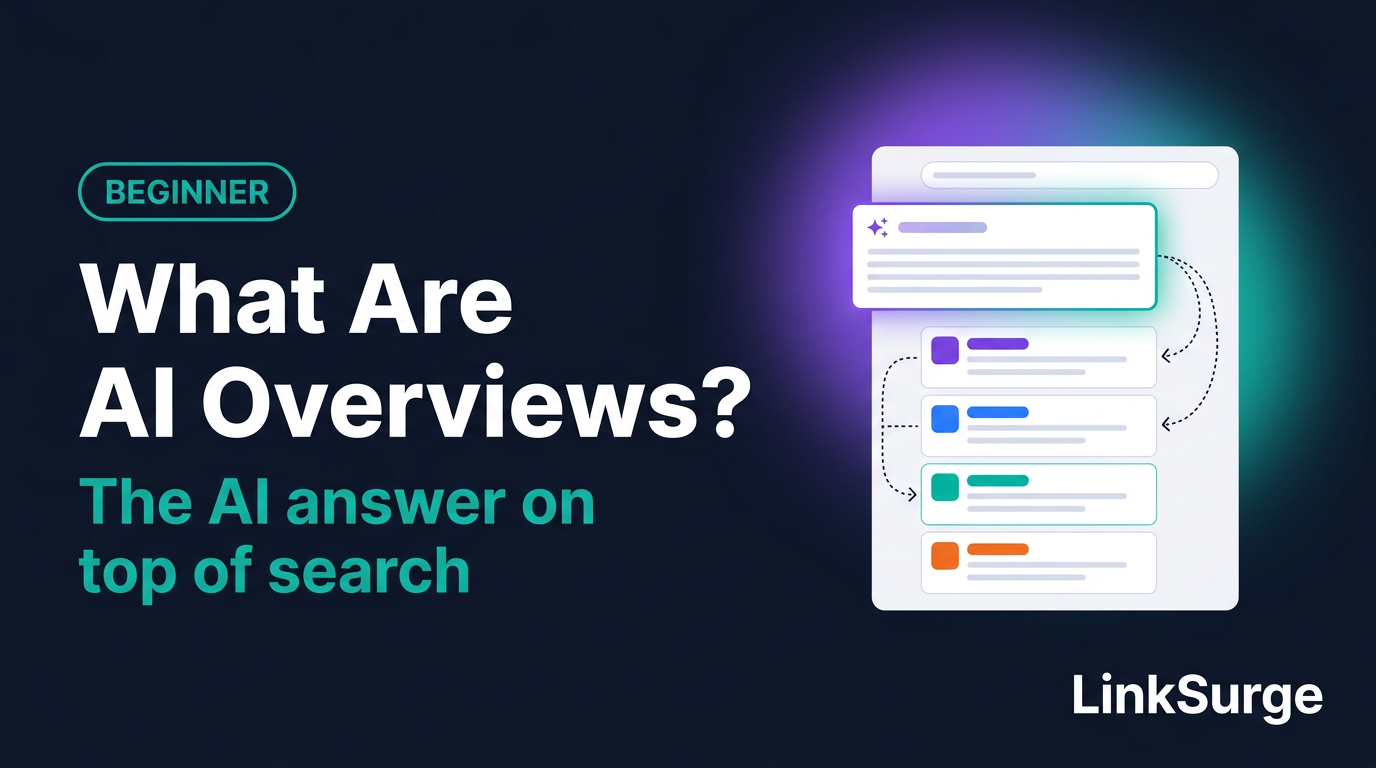
An AI Overview is an AI-generated answer shown near the top of a Google results page. It summarizes the key points of a question and links to the web pages that support the answer.
Think of a reference librarian who, before walking you to the shelves, hands you a sticky note: "Here's the gist. These three books cover it in detail." Sometimes the note is all you need. Sometimes you go read the books.
Google's help page describes AI Overviews as an "AI-generated snapshot with key information and links to dig deeper." Don't skip the second half of that sentence. AI Overviews are designed less as a replacement for web pages and more as a starting point that sends you to them.
When did they launch?
Google announced on May 14, 2024 that AI Overviews were rolling out to everyone in the US, with more countries to follow. They've since expanded to many other countries and languages. Availability keeps changing, so if you need to know whether a specific country or language is covered, check Google's help page. (I last checked it on October 13, 2026.)
You'll sometimes hear "AIO"
In SEO circles, "AIO" is sometimes shorthand for optimizing for AI Overviews. Others use it to mean "AI optimization" in general, so the meaning shifts depending on who's talking. "SEO vs. GEO vs. AIO vs. LLMO" sorts out these terms.
References: Find information in faster & easier ways with AI Overviews in Google Search - Google Search Help Generative AI in Search: Let Google do the searching for you - Google
2. When Do AI Overviews Appear?
More searches skip them than show them
This surprises a lot of people. Google's documentation for site owners says AI Overviews are only shown when its systems determine they're "additive to classic Search," so they "often don't trigger."
The help page puts it slightly differently: they show up when generative AI "can be especially helpful," for example when you want a quick summary of information from several sources. Here's how to read those statements.
| What Google says | What it means for you |
|---|---|
| Shown only when additive to classic results | For many searches, you'll still just see the regular list of links |
| Useful for quickly pulling together multiple sources | Questions like "Roth IRA vs. traditional IRA" that blend several angles are the natural fit |
| The system decides whether to show one | Site owners can't choose which searches trigger an AI Overview |
Google doesn't publish a list of which searches trigger them. Results also shift over time and from person to person. The reliable way to know is to search and look.
Can searchers turn them off?
Since many readers ask, here's the searcher's side. Google's help page says you can't turn AI Overviews off, because they're a core Search feature.
What you can do is select the "Web" filter after searching. That shows only text-based links, without AI Overviews and similar features.
References: AI Features and Your Website - Google Search Central Find information in faster & easier ways with AI Overviews in Google Search - Google Search Help
3. How Is the AI Answer Built?
Now that we know when they show up, let's look at what's happening underneath.
One question becomes many searches
According to Google's documentation, AI Overviews and AI Mode may use a technique called "query fan-out." A query is simply the words you search for.
With query fan-out, the system issues "multiple related searches across subtopics and data sources," then builds one answer from what it finds. Ask "how much does it cost to move to a new apartment," and you can picture it quietly running smaller searches about deposits, moving truck rates and furniture budgets.
Google says this lets Search "display a wider and more diverse set of helpful links" than classic search. In other words, a page that isn't in the top ten for your exact query may still get linked inside an AI Overview. For more on how fan-out works, see "What Is Query Fan-Out?"
It runs on the same search systems
Here's the thing a lot of AI commentary skips. Google's guide to generative AI features says they're "rooted in our core Search ranking and quality systems."
What struck me reading the official docs is how often Google repeats this point. The AI looks for supporting pages among those Google has already found and indexed. A page that isn't indexed simply isn't in the running. The three stages of search (find, store, choose) are covered in "How Search Engines Work."
AI Overviews can be wrong
Google's help page includes a plain warning: "AI responses may include mistakes." It suggests checking important information in multiple places and rephrasing your question if needed.
As a searcher, treat an AI Overview as a starting point. Open the links and confirm, especially for anything involving money or health.
References: AI Features and Your Website - Google Search Central Google's Guide to Optimizing for Generative AI Features on Google Search - Google Search Central Find information in faster & easier ways with AI Overviews in Google Search - Google Search Help
4. What Changes for Site Owners?
Let's switch to the site owner's point of view.
The requirement is "be eligible for regular Search"
Google spells out what it takes to be shown as a supporting link. Your page must:
- Be indexed by Google
- Be eligible to appear in Google Search with a snippet (the short description under a result's title)
- Meet the standard technical requirements for Search
Then comes the key line: "There are no additional requirements to appear in AI Overviews or AI Mode, nor other special optimizations necessary." Google also says there's no special schema.org structured data (code that labels your content for search engines) you need to add.
Honestly, that's good news for beginners. AI didn't add a new exam subject. The basics still carry the weight: let Google crawl your site, link your pages internally so they're easy to find, and put important content in text.
Meeting the requirements doesn't guarantee anything
Google adds that meeting these requirements doesn't guarantee your page will be crawled, indexed or served. Same as regular rankings. Nobody can promise placement.
How clicks and positions are counted
When someone clicks a link in an AI Overview, Search Console (Google's free site-management tool) counts it as a regular click. For position, the whole AI Overview occupies a single slot in the results, and every link inside it gets that same position.
Since August 31, 2026, the Generative AI performance report has been available for sites worldwide. It shows how many times your links appeared in AI Overviews and AI Mode, broken down by page, country and device. What it doesn't show: which queries triggered those impressions, or how many clicks came from AI features alone. "How to Read Search Console's Generative AI Performance Report" goes through it in detail.
You can opt out, but think first
If you don't want your content used in AI Overviews, Search Console has a setting for that. Under Settings, the "Search generative AI" control lets you exclude your site from AI Overviews, AI Mode and generative AI features in Discover. Google says it doesn't affect ranking elsewhere in Search.
The trade-off is that you lose all impressions and traffic from those features. For most sites, checking the numbers first is the smarter move.
References: AI Features and Your Website - Google Search Central What are impressions, position, and clicks? - Search Console Help Generative AI performance report (Search) - Search Console Help Search generative AI control - Search Console Help
5. Common Misconceptions and Mistakes
AI Overviews are new enough that plenty of unverified advice is floating around. Here are five traps beginners fall into.
Myth 1: "Add FAQ schema and you'll get cited in AI Overviews."
Google says there's no special structured data you need for AI Overviews. Structured data helps with rich results, like star ratings in search listings. It isn't a shortcut to AI citations. "Does FAQ Schema Really Get You Cited 3.2x More?" digs into this claim.
Myth 2: "Add an llms.txt file and you'll show up in AI Overviews."
llms.txt is a file that summarizes a site for AI systems. Google says Google Search doesn't use such files, so creating one won't help or hurt your visibility in Search. Other services and AI agents (AI tools that browse the web on a user's behalf) may use them, though. Different purposes, different answers.
Myth 3: "Chop your articles into small chunks so AI can read them."
Google's guide says "There's no requirement to break your content into tiny pieces for AI to better understand it," and that there's no ideal page length. It also lists rewriting content just for AI as unnecessary. Write for people, structure it clearly, and you've covered it.
Myth 4: "Show up in an AI Overview and traffic will follow."
Appearing and getting visitors are two different things. If the summary answers the question, some people won't click. Keep impressions and clicks separate in your head, just like with regular results. "Rankings, Impressions, and Clicks Are Not the Same Thing" explains the difference.
Myth 5: "Getting cited by ChatGPT works the same way."
Don't mix these up. This article is about AI features inside Google Search. ChatGPT and Perplexity gather information and choose citations differently. When Google says "no special optimization needed," it's talking about Google's own AI features only.
References: Google's Guide to Optimizing for Generative AI Features on Google Search - Google Search Central AI Features and Your Website - Google Search Central
6. How to Check Your Own Site
Time to look at your own site. There are three levels.
- Confirm indexing — Being indexed is the entry ticket. Run your key pages through Search Console's URL Inspection tool
- See which pages appear in AI features — Open the Generative AI performance report and sort pages by impressions
- See which searches you appear for — Search your target keywords and check whether an AI Overview shows up and links to you
For a handful of keywords, checking by hand is fine. Once the list grows, a tool like LinkSurge's AI Overview keyword report lists the keywords where a domain appears in AI Overviews. The walkthrough is in "Is Your Site Showing Up in Google AI Overviews?"
If you want to compare what's inside each AI Overview and which pages it cites, LinkSurge's AI Overview analysis does that keyword by keyword. Seeing who gets cited where you don't is one of the fastest ways to spot what your page is missing.
References: URL Inspection Tool - Search Console Help Generative AI performance report (Search) - Search Console Help

LinkSurge
linksurge.jp
SEO・AIO・GEO統合分析プラットフォーム。AI Overviews分析、SEO順位計測、GEO引用最適化など、生成AI時代のブランド露出を最大化するための分析ツールを提供しています。
Quick Check
Q1: Does every Google search show an AI Overview?
Answer: No. They appear only when Google's systems decide an AI Overview adds value beyond the classic results.
Q2: What does Google require for a page to appear as a link in an AI Overview?
Answer: The page must be indexed and eligible to appear in Search with a snippet. Google says there are no additional requirements or special optimizations.
Q3: Name one thing the Generative AI performance report doesn't tell you.
Answer: Which queries triggered the impressions, or how many clicks came from AI features alone. It shows impressions by page, country and device.
Frequently Asked Questions
What is an AI Overview in Google Search?
An AI Overview is an AI-generated summary shown near the top of Google's results for some searches. It gives the key points of a topic along with links to the web pages that support the answer.
Can I turn off AI Overviews?
No. Google treats them as a core Search feature. Selecting the "Web" filter after a search shows text-based links without AI Overviews.
Do I need to do anything special to appear in AI Overviews?
No. Google says there are no additional requirements or special optimizations. Your page needs to be indexed and eligible to show with a snippet, and standard SEO best practices apply from there.
What's the difference between AI Overviews and AI Mode?
AI Overviews appear automatically above the results when Google's systems judge them helpful. AI Mode is a separate AI search experience that people choose to open, where they can keep asking follow-up questions like a conversation.
Conclusion: Start by Making Sure Your Pages Are in the Running
AI Overviews are summaries with links, placed above the regular results. They feel new, but the pages they cite come from the same index Google uses for everyday search. Before hunting for special tactics, confirm that your important pages are indexed and eligible to show with a snippet.
Then use the Generative AI performance report to see which pages appear. Search your target keywords to see where they appear.
This is the first article in the series' second set, "What Changed in the AI Era." The previous article is "What Is a 301 Redirect?" Up next: "What Is Zero-Click Search?" For AI Overviews' more conversational sibling, see "What Is Google AI Mode?" The full reading order is in the "SEO, GEO and AIO Beginner Curriculum," and the "SEO Glossary for Beginners" is there when a term trips you up.
LinkSurge's AI Overview keyword report lists every keyword where your site currently appears in Google AI Overviews.