What Is Google AI Mode? How It Differs From Regular Search and AI Overviews
目次
Key Takeaways: AI Mode Is Google Search You Can Talk To
You've probably noticed an "AI Mode" option sitting next to the usual tabs on Google. It's a different way to search. You ask a question, an AI researches the web and writes up an answer, and you keep the conversation going. I went through Google's announcements and help pages side by side, and these are the points beginners need first.
- AI Mode is an AI search experience you choose to open — Unlike AI Overviews, which appear automatically above some results, AI Mode is something you select. Google introduced it as a Labs experiment in March 2025 and has since expanded it to many countries and languages
- It's built for long questions and follow-ups — Comparisons, planning and multi-part questions that used to take several searches get one combined answer. Then you can keep asking, like a conversation
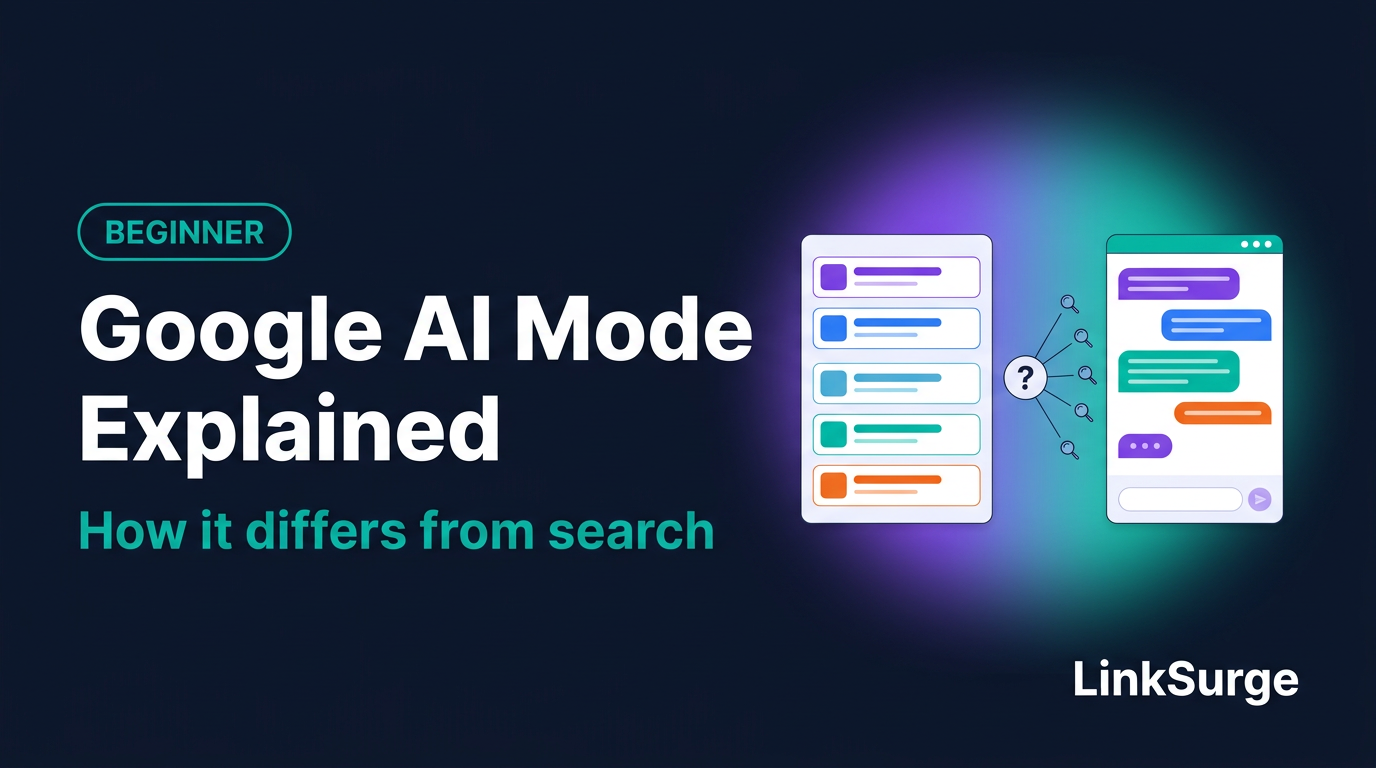
- Behind the scenes, one question becomes many searches — Google says AI Mode uses "query fan-out," splitting your question into subtopics and searching each one
- Site owners don't need a special AI Mode strategy — Google says there are no additional requirements or special optimizations to appear. Your page needs to be indexed and eligible to show in Search
Let's go through how to use it, how it compares with regular search and AI Overviews, how answers get built, and what it means for your site.
1. What Is AI Mode?
The short version: a search that does the legwork for you
AI Mode is an AI search experience inside Google Search. Google's help page calls it "Google's most powerful AI search experience," where you can get an AI-generated answer and dig deeper with follow-up questions and links to web sources.
If classic search hands you a stack of pages that might be relevant, AI Mode is more like asking a research assistant to look into it and report back with sources. Planning a long weekend in Chicago with kids? Classic search means separate searches for museums, rainy-day activities and transit, then stitching it together yourself. In AI Mode, you describe the whole situation in one long question and get a combined answer with supporting links.
When did it launch, and where can you use it?
Here's the timeline.
| Date | What happened |
|---|---|
| March 5, 2025 | Google introduced AI Mode as an early experiment in Labs |
| September 8, 2025 | Google expanded AI Mode to five more languages: Hindi, Indonesian, Japanese, Korean and Brazilian Portuguese |
Availability has kept expanding since then. Google's help page lists the supported countries and languages, and it's the place to check the current status (I last checked it on October 13, 2026). Some newer capabilities are limited to English or to paid subscribers, so what you see can differ from screen to screen.
References: Get AI-powered responses with AI Mode in Google Search - Google Search Help Expanding AI Overviews and introducing AI Mode - Google AI Mode is now available in five new languages around the world - Google
2. How Is AI Mode Different From Regular Search and AI Overviews?
The fastest way to understand AI Mode is to line it up against the other two ways Google shows results.
| Classic search | AI Overviews | AI Mode | |
|---|---|---|---|
| How you get there | Just search | Appears automatically above some results | You choose to open it |
| When it shows | Always | Only when Google's systems judge it helpful | Whenever you open it |
| What you get | A list of pages | A short summary with links | A fuller answer with links |
| Follow-up questions | Search again | On mobile, "Show more" lets you continue in AI Mode | Type into the bar at the bottom |
| Best for | Known destinations, browsing many options | Getting the gist fast | Comparisons, planning, complex questions |
Think of it as AI Overviews, extended
Google's help page describes AI Mode as expanding what AI Overviews can do, with more advanced reasoning and a conversational format. If an AI Overview is a sticky note attached to your results, AI Mode is the desk where you can sit down and keep asking questions about that note.
The two are literally connected. On mobile, you can tap "Show more" under an AI Overview, type a follow-up into the "Ask anything" bar, and continue in AI Mode with your original search context carried over. For how AI Overviews work on their own, see "What Are Google AI Overviews?"
Don't expect identical answers
Google's documentation for site owners notes that AI Overviews and AI Mode may use different models and techniques, so the responses and the links shown can differ. Asking the same question in both places and getting different sources is normal.
References: Get AI-powered responses with AI Mode in Google Search - Google Search Help Find information in faster & easier ways with AI Overviews in Google Search - Google Search Help AI Features and Your Website - Google Search Central
3. How to Use AI Mode
With the differences clear, here's how to actually use it. Google's help page lists three ways in.
- Go to google.com/ai — It opens AI Mode directly in your browser
- Search, then pick AI Mode — Type a question on google.com and select AI Mode
- Use the Google app — Tap AI Mode on the app's home screen
You're not limited to typing
You can ask questions with text, voice or images, and you can share PDFs and other files, webpage URLs, and Chrome tabs when you're using Chrome. Snap a photo of a menu in a language you can't read and ask which dishes are vegetarian. That kind of thing.
Keep the conversation going
After an answer, type a follow-up into the "Ask anything" bar at the bottom. You can say "Which of those work on a rainy day?" without repeating the whole setup. That's the biggest practical difference from classic search.
Don't take answers on faith
Google's help page is blunt about this: "AI responses may include mistakes," and "As with any early-stage AI product, AI Mode doesn't always get it right." It recommends checking important information in multiple places. The supporting links next to each answer are your way to verify.
References: Get AI-powered responses with AI Mode in Google Search - Google Search Help
4. How Does AI Mode Build Its Answers?
One question, many searches
The key mechanism here is "query fan-out." A query is simply what you search for.
When Google introduced AI Mode, it described query fan-out as issuing multiple related searches at once across subtopics and data sources, then bringing those results together into one response. Google's documentation for site owners says the same, adding that this lets Search show "a wider and more diverse set of helpful links" than classic search.
Ask "day trip ideas near Boston for a rainy Saturday with a 7-year-old," and you can picture the AI quietly running smaller searches for indoor attractions, kid-friendly museums and drive times. Because the answer draws on many pages, the links you see can reach beyond the usual top results.
What struck me in Google's description is how much happens out of sight. A single question can trigger searches that site owners never see. Your page might get picked up by one of those hidden sub-searches rather than by the words the user actually typed. For more on the mechanics, see "What Is Query Fan-Out?"
It still runs on Search
AI Mode isn't pulling answers from some separate universe. Google's guide to generative AI features says these features are "rooted in our core Search ranking and quality systems." And when Google introduced AI Mode, it said that when it doesn't have high confidence in an AI response, AI Mode shows a set of web search results instead.
For web content, the raw material is the same set of pages Google has already found and indexed for regular search. Google says AI Mode also taps sources such as the Knowledge Graph, real-world information and shopping data. The web links shown in an answer come from indexed pages.
References: Expanding AI Overviews and introducing AI Mode - Google AI Features and Your Website - Google Search Central Google's Guide to Optimizing for Generative AI Features on Google Search - Google Search Central
5. What Changes for Site Owners?
Now for the site owner's view.
There's no special AI Mode optimization
Google's documentation states: "There are no additional requirements to appear in AI Overviews or AI Mode, nor other special optimizations necessary." To be shown as a supporting link, a page "must be indexed and eligible to be shown in Google Search with a snippet" (the short description under a result's title).
Google's optimization guide goes further. You don't need to chunk content into tiny pieces, and you don't need to rewrite it for AI. What it does recommend is a unique point of view, first-hand or expert insight rather than a rehash of what's already online, and pages that leave visitors satisfied. Honestly, that's classic SEO advice.
How Search Console counts AI Mode
AI Mode traffic is included in Search Console's Performance report. Here's how Google's help page says it's counted.
| Metric | How AI Mode counts it |
|---|---|
| Clicks | Clicking a link to an external page counts as a click |
| Impressions | Standard impression rules apply |
| Position | Calculated the same way as a standard results page |
| Follow-up questions | Treated as a new query |
That last row is easy to miss. When a user keeps the conversation going, each follow-up is counted as its own query.
Since August 31, 2026, the Generative AI performance report has been available for sites worldwide. It shows how often links to your site appeared in AI Overviews and AI Mode, by page, country and device. It doesn't show which queries triggered them. "How to Read Search Console's Generative AI Performance Report" walks through it.
If you'd rather not appear
Search Console's "Search generative AI" control lets you exclude your site from AI Overviews, AI Mode and generative AI features in Discover. Google says it doesn't affect ranking elsewhere in Search, but you lose all impressions and traffic from those features. Look at the report before you decide.
References: AI Features and Your Website - Google Search Central Google's Guide to Optimizing for Generative AI Features on Google Search - Google Search Central What are impressions, position, and clicks? - Search Console Help Generative AI performance report (Search) - Search Console Help Search generative AI control - Search Console Help
6. Common Misconceptions and Mistakes
AI Mode is new, which makes it fertile ground for assumptions. Here are four I see often.
Myth 1: "AI Mode is a separate AI product, like a chatbot bolted onto Google."
AI Mode is part of Google Search. It runs on Search's ranking and quality systems and draws on pages Google has indexed. ChatGPT and Perplexity are built differently and gather information in their own ways. Keep Google's AI features and other AI tools in separate mental boxes.
Myth 2: "Rewrite everything as Q&A so AI Mode can use it."
Google says rewriting content for AI and chopping it into small pieces aren't necessary, and there's no special structured data to add. A clear structure that works for readers is enough. "Does FAQ Schema Really Get You Cited 3.2x More?" looks at the structured data question.
Myth 3: "If I'm linked in AI Mode, I'm winning everywhere."
AI Mode, AI Overviews and classic results don't necessarily show the same pages. Google itself notes that AI Mode and AI Overviews may use different models and techniques. Check each one separately.
Myth 4: "The answer I see is the answer everyone sees."
AI Mode answers shift with wording and with the flow of follow-up questions. According to Google's help page, users aged 18+ who have history and personalized recommendations turned on may also get personalized responses. Don't judge your visibility from a single look.
References: Google's Guide to Optimizing for Generative AI Features on Google Search - Google Search Central Get AI-powered responses with AI Mode in Google Search - Google Search Help
7. How to Check Your Own Site
Finally, here's how to see how AI Mode treats your site.
- Ask it yourself — Type the kind of long, specific question your customers would ask about your products or topic. Check whether your pages show up among the supporting links
- Open the Generative AI performance report — See which pages appeared in AI features. Note that it combines AI Overviews and AI Mode, so it won't tell you which one
- Check AI Overviews for the same keywords — See whether you're cited there too
For a short keyword list, doing this by hand works fine. For larger lists, LinkSurge's AI Overview keyword report shows the keywords where a domain appears in AI Overviews. The steps are in "Is Your Site Showing Up in Google AI Overviews?"
To see which smaller searches a single question might split into, LinkSurge's query fan-out analysis lets you try it with your own keywords. It's a useful way to spot sub-questions your content doesn't answer yet.
References: Generative AI performance report (Search) - Search Console Help

LinkSurge
linksurge.jp
SEO・AIO・GEO統合分析プラットフォーム。AI Overviews分析、SEO順位計測、GEO引用最適化など、生成AI時代のブランド露出を最大化するための分析ツールを提供しています。
Quick Check
Q1: What's the difference in how you reach AI Mode versus AI Overviews?
Answer: AI Overviews appear automatically above the results when Google's systems judge them helpful. AI Mode is something you open yourself, from the AI Mode option on google.com or at google.com/ai.
Q2: What's the technique called where AI Mode splits a question into subtopics and runs many searches?
Answer: Query fan-out. The results of those searches are combined into one answer with supporting links.
Q3: How does Search Console treat a follow-up question in AI Mode?
Answer: As a new query. Impressions and clicks in the new response are credited to that new query.
Frequently Asked Questions
What is Google AI Mode?
AI Mode is an AI search experience inside Google Search. You ask a question, get an AI-generated answer with links to web sources, and can keep asking follow-up questions in a conversational way.
How do I open AI Mode?
Go to google.com/ai, type a question on google.com and select AI Mode, or tap AI Mode on the Google app's home screen.
How do I get my site to appear in AI Mode?
There's no special step. Google says there are no additional requirements or special optimizations. Your page needs to be indexed and eligible to show in Search with a snippet, and helpful, original content does the rest.
Are AI Mode answers accurate?
Not always. Google's help page states that AI responses may include mistakes and that AI Mode doesn't always get it right. Check important information through the supporting links and other sources.
Conclusion: Ask AI Mode the Questions Your Customers Ask
AI Mode is a conversational way to search, built into Google. Query fan-out runs many searches behind each question, but the raw material is still the pages Google has indexed for regular search. The first move for a site owner isn't hunting for new tactics. It's typing your customers' real questions into AI Mode and seeing which pages show up.
After that, open the Generative AI performance report to see which of your pages appear in AI features.
AI Mode builds on the AI summaries covered in "What Are Google AI Overviews?" If you haven't read it, start there. The previous article in the series, on how non-Google AI tools work, is "Where Does ChatGPT Get Its Information?" Up next: "Why Branded Search and Brand Mentions Matter More in the AI Era." For the full reading order, see the "SEO, GEO and AIO Beginner Curriculum," and keep the "SEO Glossary for Beginners" handy.
LinkSurge's query fan-out analysis shows which hidden searches a question breaks into, using your own keywords.